ST
@StoryboardSurfer
Storyboard Animator
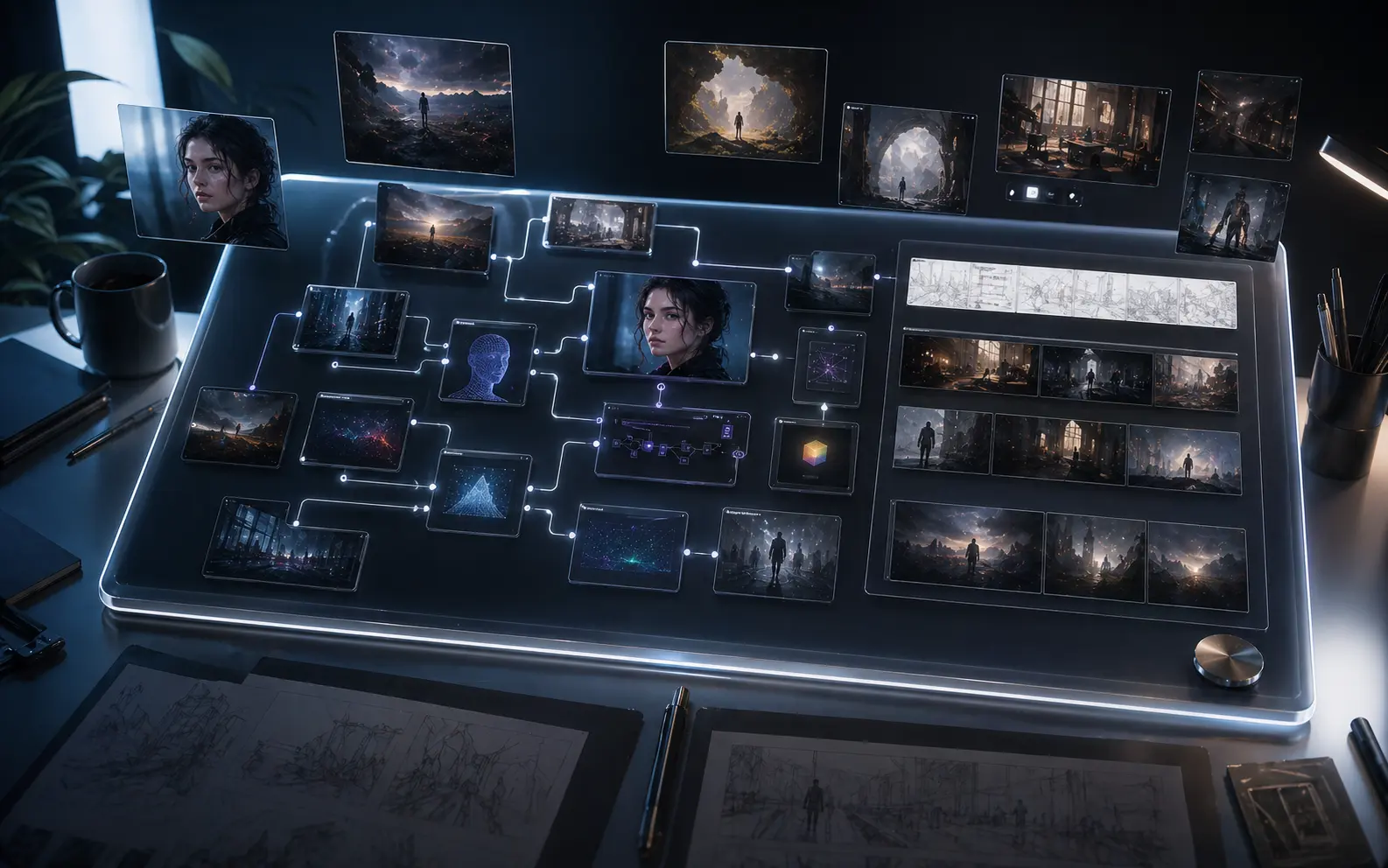
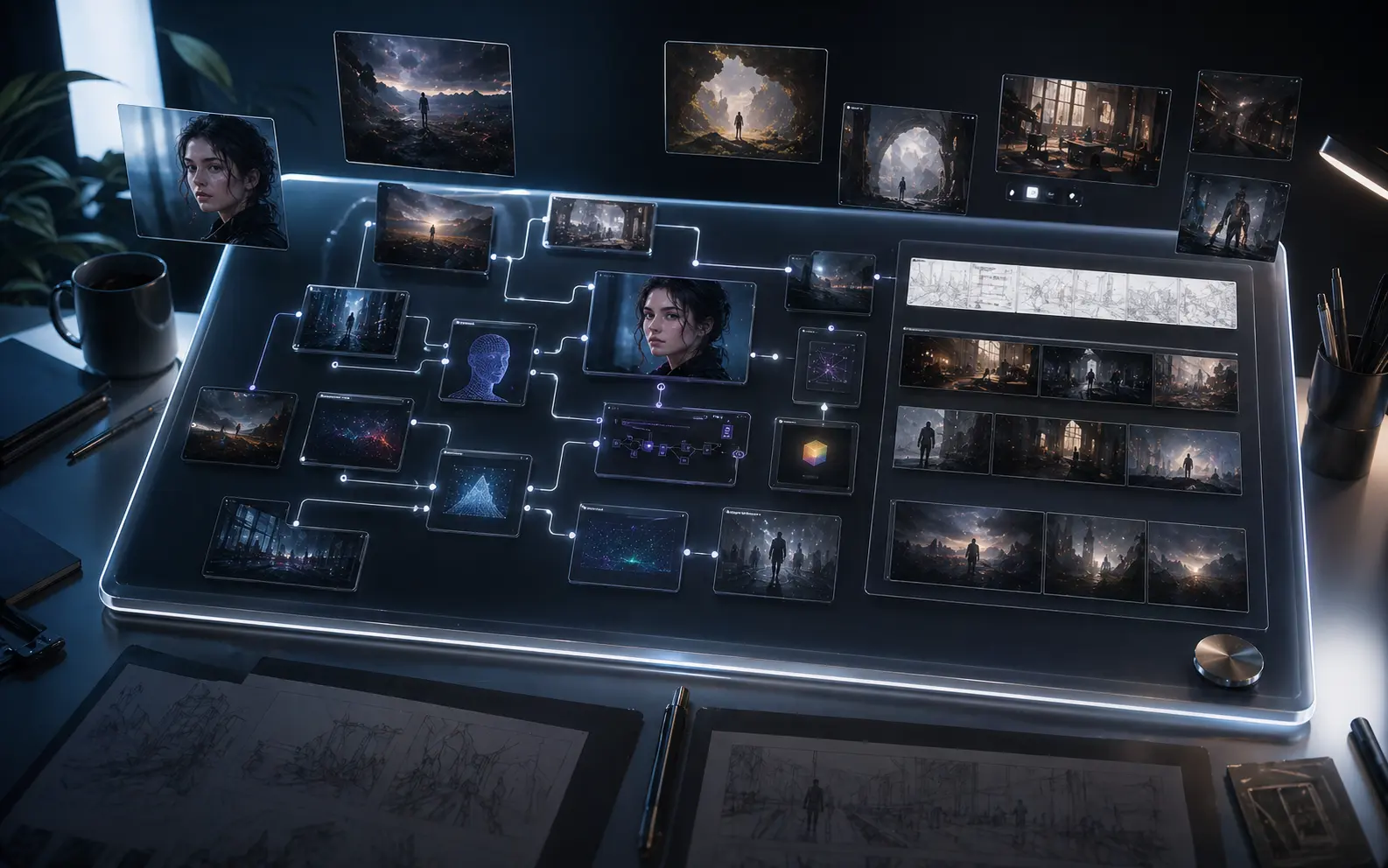
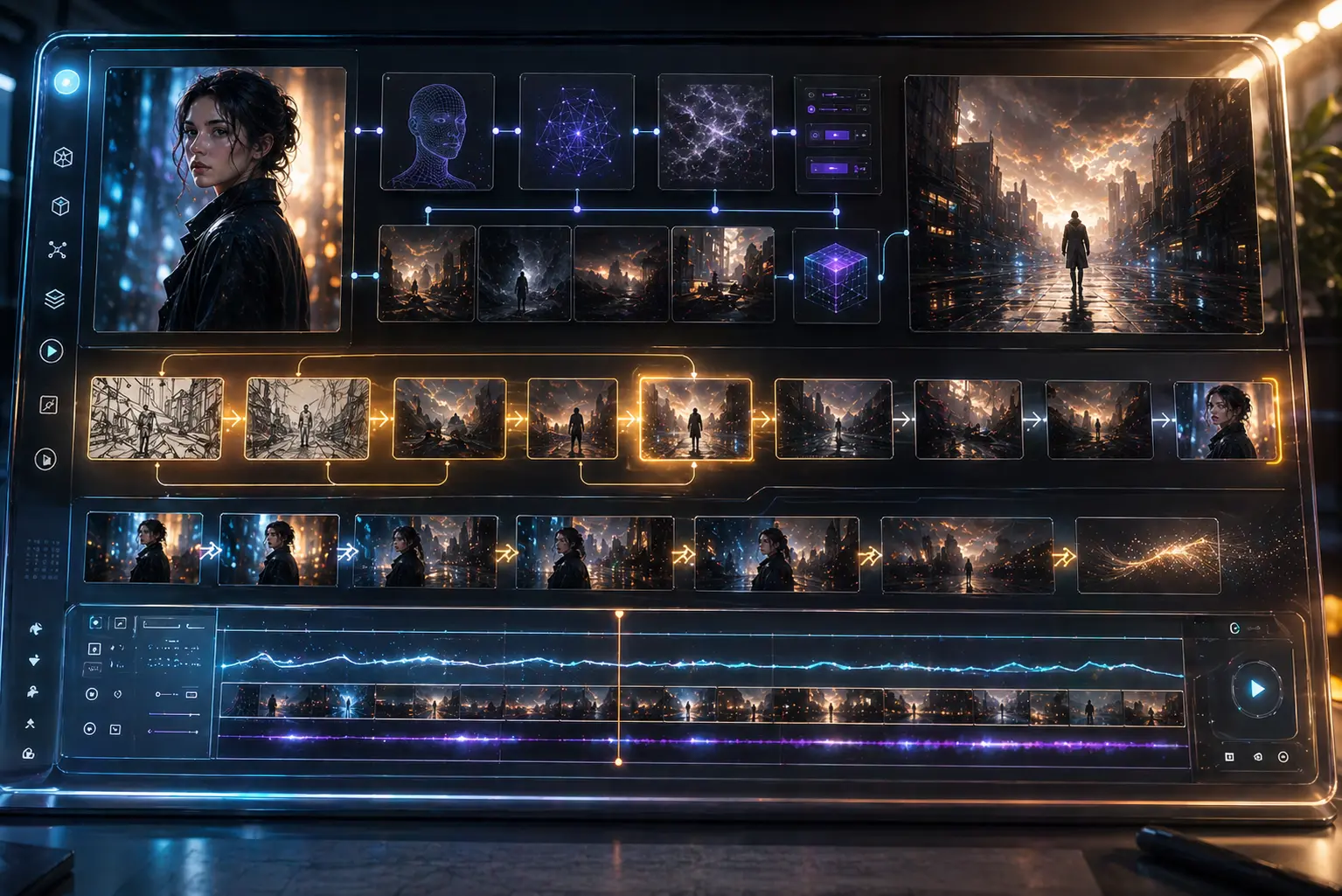
“I used 6 disconnected tabs for references, notes, Midjourney, Runway, and timeline work. Now I drag those nodes onto Nano Banana Canvas, connect image outputs to video models, and loop the sequence. My storyboard-to-animatic time dropped from 8 hours to 90 minutes with no copy-paste mistakes.”
CO
@CommercialCrafter
Ad Creative Producer
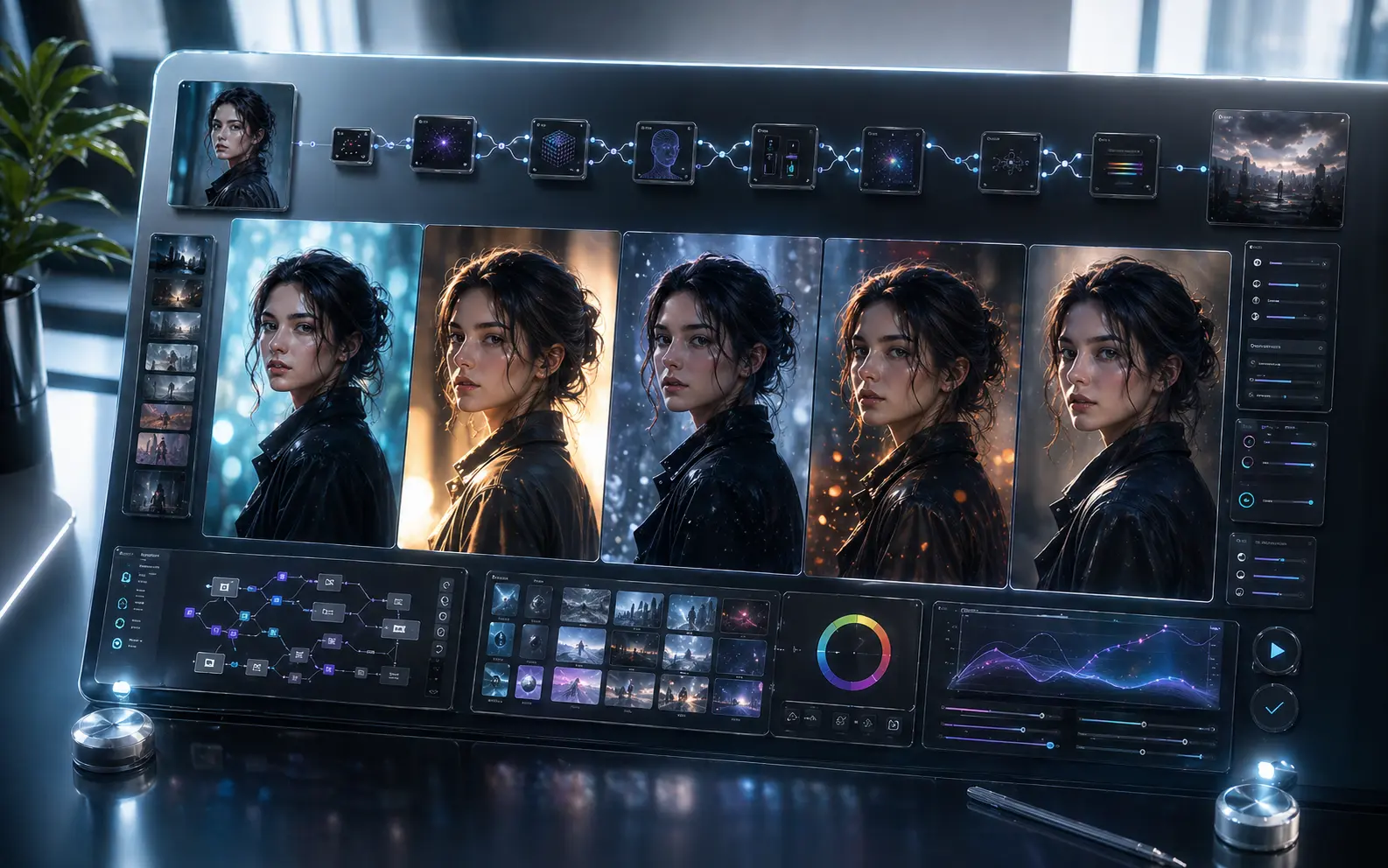
“A 15-second ad used to mean three separate runs for copy, visuals, and voice, then a manual redo when copy changed. On Nano Banana Canvas I branch one text output into edgy, warm, and abstract chains with their own image and video paths. I now deliver three spots in the time I used to make one.”
PO
@PodcastViz
Podcast Promo Producer
“I had strong interview audio but no visual clips for social, and outsourcing cost 200 dollars per episode. Now transcripts flow through quote extraction, image generation, waveform video, and merge nodes on one canvas. I get three promo videos in 10 minutes with zero external cost.”
ME
@MeshMonk
3D Asset Prototyper
“I used to generate textures in Stable Diffusion, export them, import them into Blender, and lose momentum every round. Now SDXL connects straight into a scene-building node and then into a turntable video model. One click refreshes the whole asset pipeline and I prototype 5x faster.”
FE
@FeedbackFramer
Client Collaboration Lead
“Clients used to say 'make it more cinematic' and I would spend days regenerating alone. Now we share one infinite canvas, they drop references beside my video nodes, and the sequence reruns with their style prompts. Approval cycles fell from 2 weeks to 2 days.”
GA
@GameCutsceneGuy
Cutscene Director
“Our concept art and animation pipelines came from different models, so style drift never stopped. I locked one global style prompt on the canvas and made every image and video node inherit it. We kept a consistent cinematic look across 12 cutscenes with no manual retouching.”
MV
@MVisionary
Music Video Director
“I used to match lyrics to imagery by hand, line by line, prompt by prompt. Now an LLM node splits lyrics into timestamped visual prompts and auto-runs them through a video model on the infinite canvas. The first draft of a 3-minute music video now takes 45 minutes instead of 3 days.”
ED
@EdutainEd
Explainer Video Educator
“My explainer videos used to be screen recordings with robotic voiceover. On the canvas I chain Whisper to GPT, then Midjourney, ElevenLabs, and Pika in one flow. Watch time tripled, and one teacher said it feels like National Geographic for AI.”
VF
@VFXAssistant
Junior VFX Artist
“My senior artist kept asking for 'flame version 3, but more orange' and I reran the whole pipeline over and over. Now the canvas loops the image back when color temperature misses the target and adds 15% more orange automatically. I got those 2 hours back to learn Houdini.”
CO
@CopyToCanvas
Script-to-Visual Lead
“I used to hand scripts to the visual team and hear 'that is not what I meant' every time. Now I write prompts directly inside the canvas, connect them to image and video nodes, and render rough cuts before handoff. Visual clarity jumped from 40% to 95%.”
NO
@NoBudgetNeo
Indie Trailer Director
“I could not afford a VFX team and my trailer looked like a PowerPoint. Now GPT-4o writes shot prompts on the canvas, then Pika and Kling feed directly into a DaVinci Resolve export path. I cut a 90-second cinematic teaser for 0 dollars in model credits and got shortlisted by three film festivals.”
CO
@ConceptCruncher
Character Development Artist
“I used to generate 50 character variations and still guess which one to develop. Now one image input branches into four style LLMs, each feeding a video model for 2-second turnaround loops. Comparing those loops side by side cut about 70% of my early guesswork.”